PlayStation improves the Pulse Elite and Pulse Explore experience on PC with a Windows driver
, by Quentin
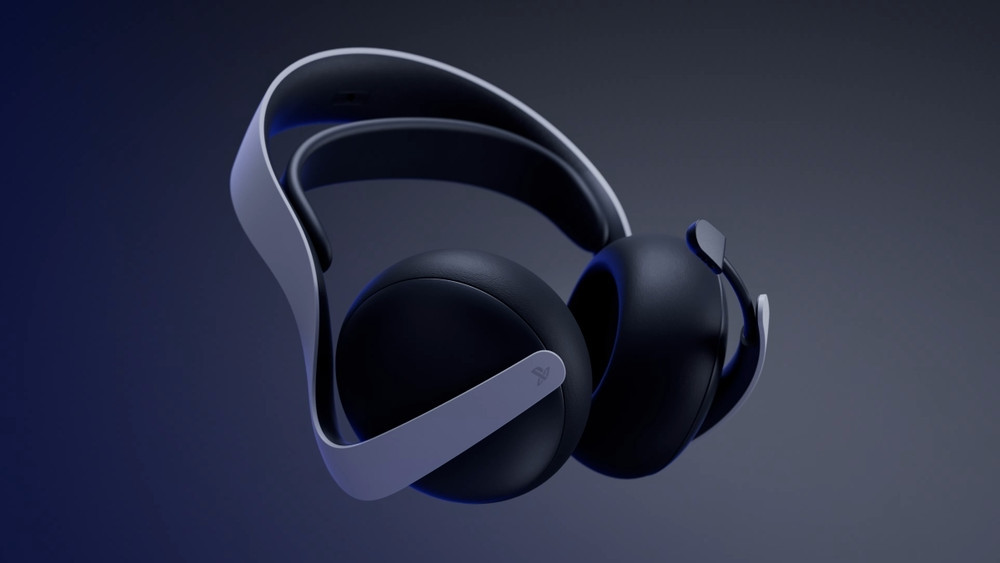
PlayStation has just announced the launch of a new Windows driver designed to enhance the Pulse Elite headsets and Pulse Explore earbuds experience.
With this PS Link driver, it is now possible to directly modify the audio settings of these accessories without going through a PlayStation 5.
Here are the installation steps:
- Plug the PS Link USB adapter into an available USB port on your Windows PC. The driver will install automatically, and a notification will inform you when the installation is complete.
- Open the PS Link driver quick menu from the Windows notification or by right-clicking on the PS Link icon in the taskbar.
- Follow the instructions on the screen.
- Once your PS Link device is connected to your PC, its settings will appear directly in the quick menu.
- You can open the quick menu at any time from the taskbar, or by pressing the PS Link button on your device three times quickly.
- If you are using a new PS Link USB adapter, it will need to be paired and then connected to your device in order to function properly.
Source: playstation.com