Capcom gives some advise to players suffering from technical problems with Monster Hunter Wilds
, by Thibaut
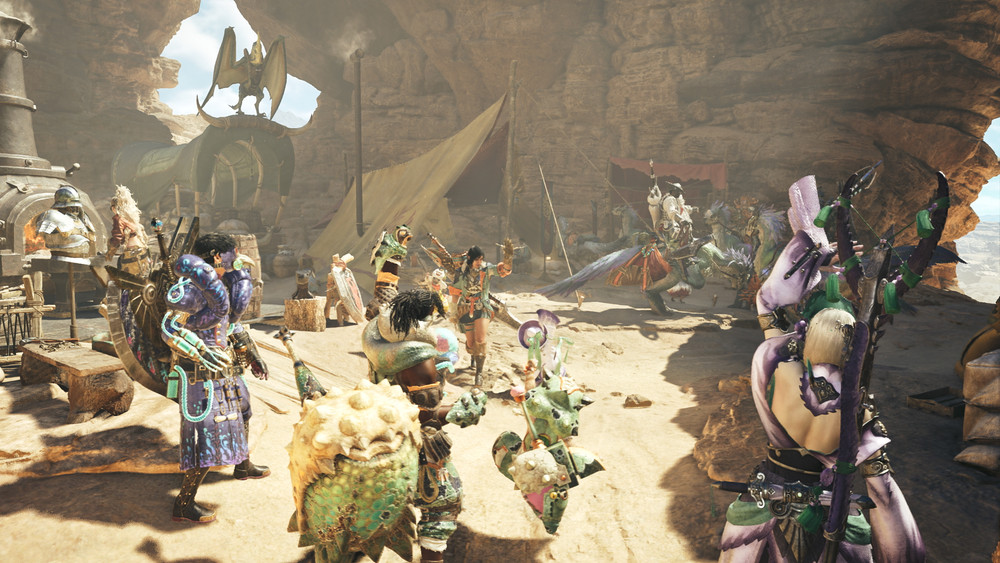
Despite being off to a great start and having achieved staggering sales, Monster Hunter Wilds suffers from some problems on PC. This has resulted on the game having some "mixed" reviews on Steam.
Fortunately, Capcom is listening, and has come with a number of tips to help fix these problems.
- Make sure you meet the minimum system requirements for the game.
- Update your Video/Graphics Drivers.
- Check for Windows Updates and ensure all of the latest programs are installed to your OS.
- If you still experience issues, try performing a clean installation of the video driver set.
- Update DirectX to the latest version.
- Add the game’s folder and files to your anti-virus program’s exception / exclusion list.
- Verify the game’s files on Steam.
- Update Windows Media Player codecs.
Source: monsterhunter.com